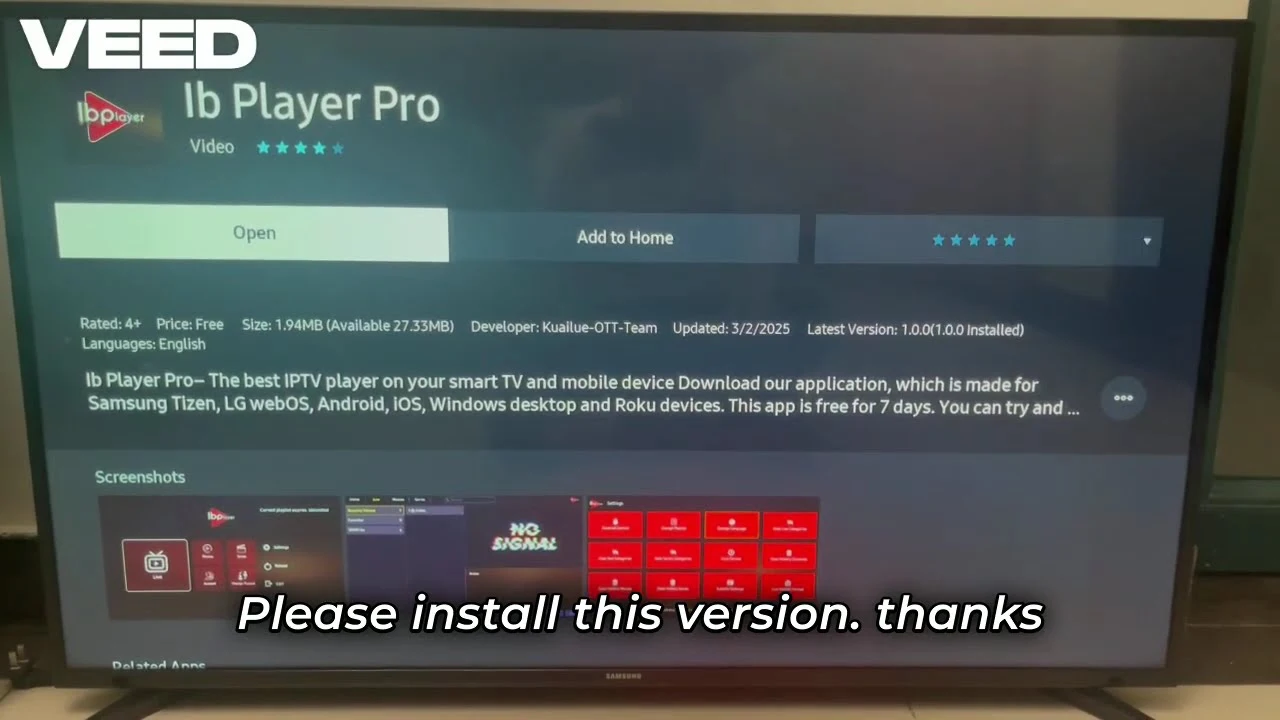
Step 1: Install on Smart TV (Samsung, LG, Android)
Ibo Player Pro is a premium media player available directly on most Smart TV app stores.
Samsung & LG TVs: Navigate to your TV's Content Store or App Store. Search for "Ibo Player Pro" and click install.
Android TV / Google TV: Open the Google Play Store, search for "Ibo Player Pro", and install the application.
Step 2: Install on Firestick (via Downloader)
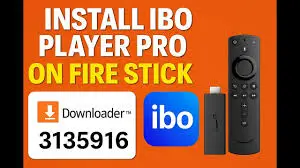
For Amazon Firestick users, you can easily install the app using Downloader.
1. Open the Downloader app on your Firestick.
2. Enter the numeric code shown in the image below (or the URL provided by your IPTV provider) into the URL field.
3. Click Go to download and install the APK.
Step 3: Activate Device & Add Playlist
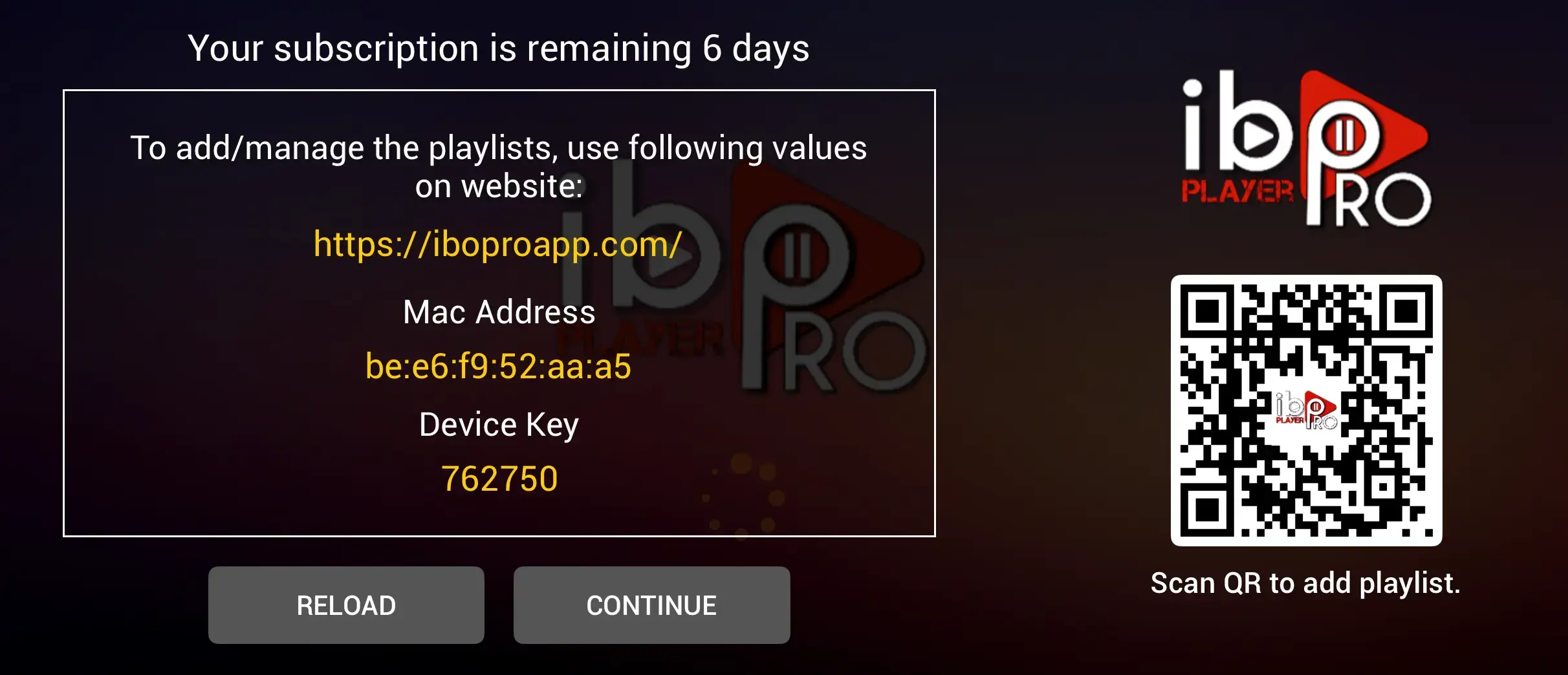
Open the Ibo Player Pro app. You will see a screen displaying your Device ID (MAC) and Device Key.
Send it to your IPTV provider to activate your app with a subscription or free trial, and start enjoying unlimited entertainment.
Step 4: Enjoy Your Content
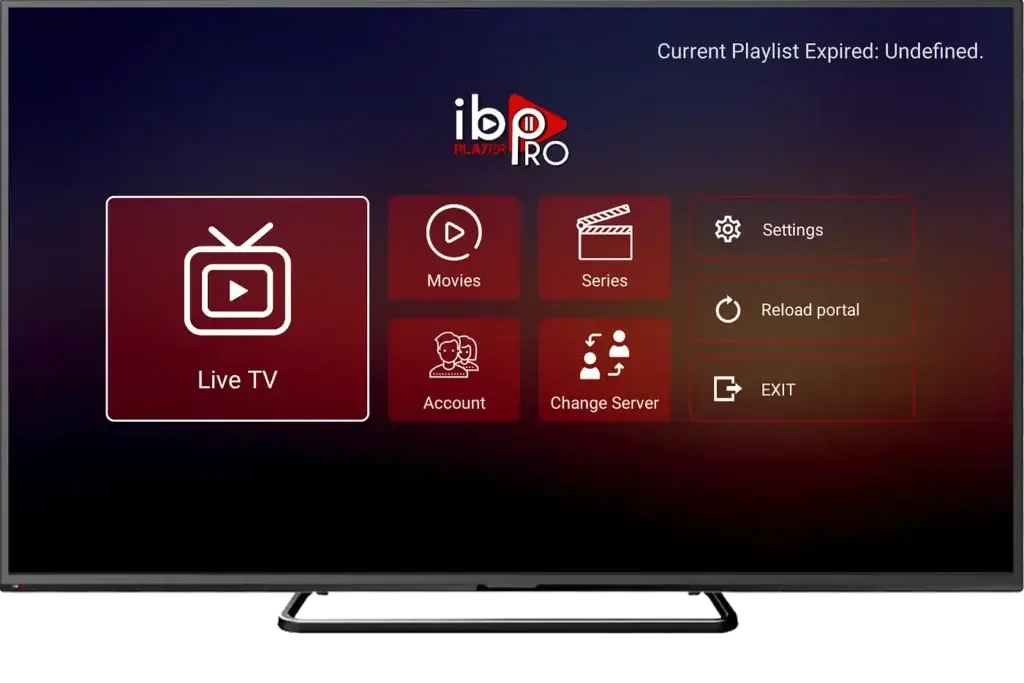
Once you have uploaded the playlist, return to the app on your TV.
Press Reload or restart the application. Your live TV channels, movies, and series will load automatically. You can now browse and stream in high quality.