Step 1: Prepare Your Fire TV Stick
Turn on your Fire TV Stick and go to Settings. Select My Fire TV > Developer Options. Enable Apps from Unknown Sources. Return to the Home screen.
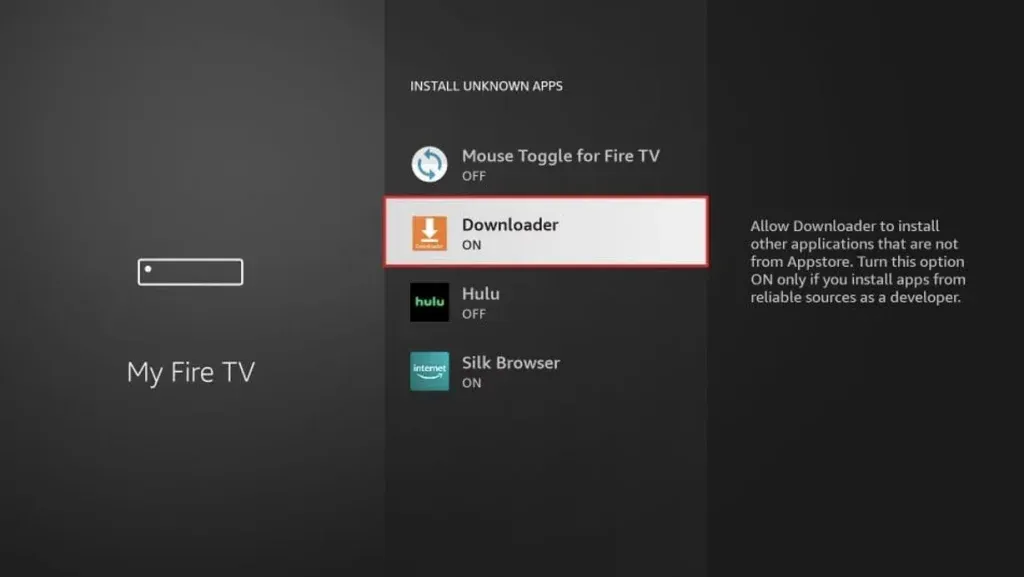
Turn on your Fire TV Stick and go to Settings. Select My Fire TV > Developer Options. Enable Apps from Unknown Sources. Return to the Home screen.
In the Fire Stick search bar, type Downloader. Click on the orange icon and install the app. After installation, open Downloader. Grant the required permissions.
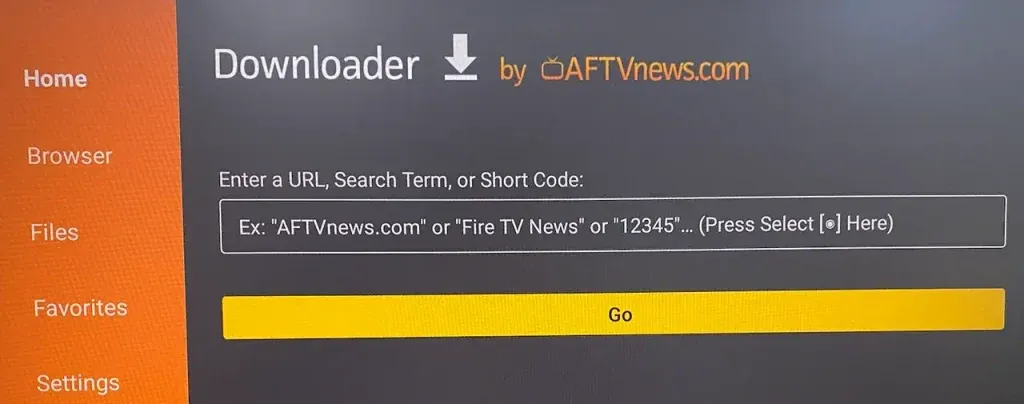
Inside the Downloader app, enter the following URL
(or the one provided by your IPTV service provider):
https://www.iptvsmarters.com/smarters.apk
Click Go.
The APK file will start downloading automatically.
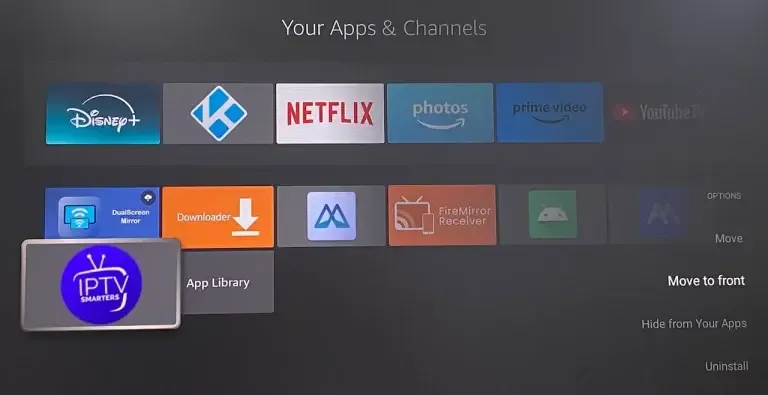
Once the download is complete, an installation window will open automatically. Click Install. After installation is finished, click Open to launch the app.
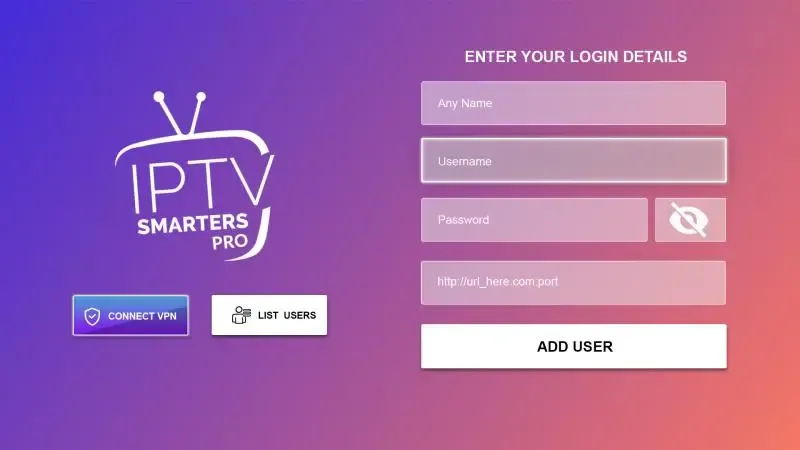
Accept the Terms of Use when opening the app. Choose your login method:
Enter the information provided by your IPTV service provider, then click Login.
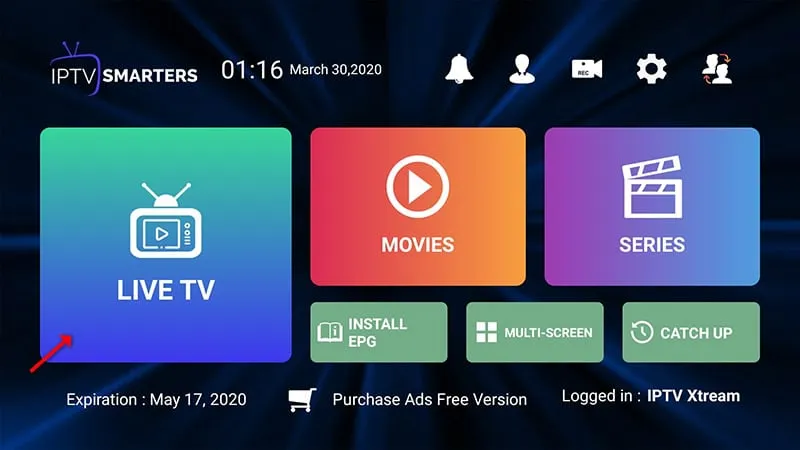
The app will automatically load your live TV channels, movies, and series. You can now browse freely and enjoy your content.